
A few years ago, creating a custom image meant hiring a designer or spending hours in complicated software. Today, you can type a sentence and get a polished picture in seconds. AI image generation has become part of daily life for bloggers, small business owners, students, and social media creators.
But with so many tools out there, which one is right for you? Should you stick with free AI image generators, or is it worth paying? In this guide to the best AI image generators 2026 has to offer, I will break down the real differences, share practical tips, and help you pick the right tool without wasting money.
Why AI Image Generation Matters in 2026
Visual content is everywhere, and readers expect fresh, relevant images. A good AI art generator helps you create blog headers, thumbnails, product mockups, and social posts without a big budget. AI design tools now sit inside apps many people already use, which makes the whole process easier.
Human Touch and E-E-A-T
Google rewards content that shows real Experience, Expertise, Authoritativeness, and Trustworthiness (E-E-A-T). Pure AI output with no human input often feels generic. The best approach is to use AI for the heavy lifting, then add your own ideas, editing, and honest context. Say what you generated, why you chose it, and how it helped.
AI Overviews, GEO, and Zero-Click Searches
More searches now end on the results page, thanks to AI Overviews and zero-click answers. That is why Generative Engine Optimization (GEO) matters. If you publish image-related content, answer questions directly, use clear headings, and give accurate details. Also keep user experience (UX) in mind: compress images, write helpful alt text, and make sure pages load fast on mobile.
How to Choose the Right Text to Image AI Tool
Before comparing tools, know what matters to you. Here are the main factors:
- Image quality and resolution: Can you download sharp, high-resolution files for print or large banners?
- Ease of use: Is the interface friendly for someone who has never used one?
- Commercial use license: Are you allowed to use the images for business, clients, or products?
- Watermark-free images: Does the free plan add a logo to your pictures?
- Credits and subscription plans: How many images do you get, and what happens when you run out?
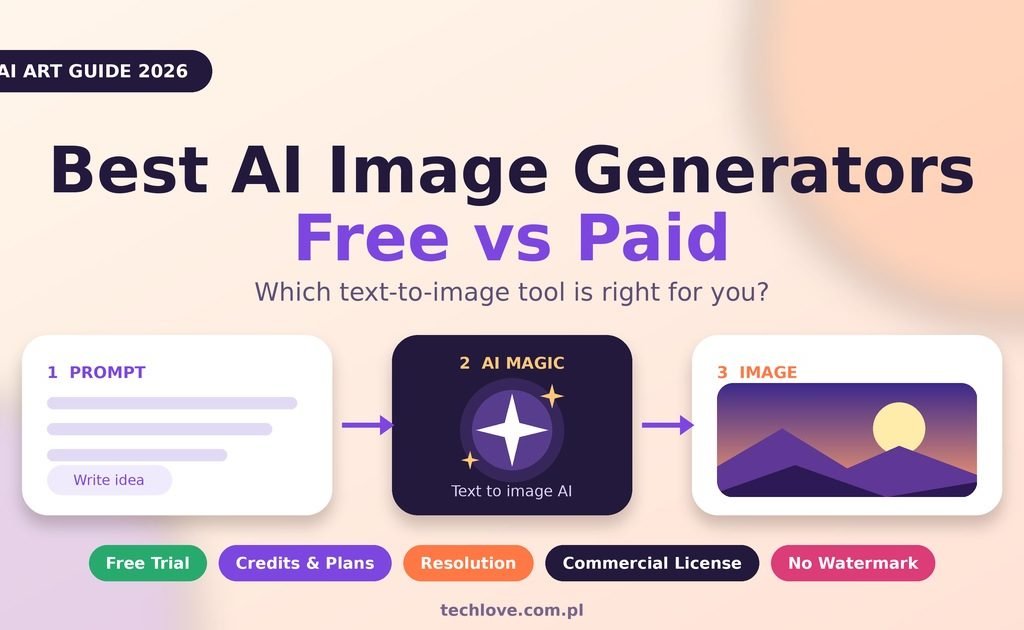
- Free trial: Can you test the tool before paying?
Free AI Image Generators: What You Really Get
Free AI image generators are a great starting point, especially for learning. Most give you a daily or monthly allowance of credits, so you can experiment without spending anything.
Common Strengths and Limits
- Strengths: No cost, quick to start, and often built into tools you already use.
- Limits: Fewer credits, slower speeds in busy hours, lower resolution, limited styles, and sometimes watermarks.
Popular Free Options to Try
If you are looking for the best free AI image generator 2026 can offer, start with these types of tools:
- Chat-based assistants with built-in image creation, such as ChatGPT or Gemini, which are easy for beginners.
- Microsoft Designer or Bing Image Creator, which are simple and web-based.
- Canva’s AI features, which are handy if you already design there.
- Leonardo AI, which has historically offered a daily free credit allowance.
- Stable Diffusion, which is open source and free to run if you have a capable computer, though setup takes some learning.
Free limits change often, so always confirm the current rules on each tool’s website.
Paid AI Image Generators: Are They Worth It?
Paid AI image generators usually give you more control, better consistency, and faster results. They are often the better choice for freelancers, agencies, and businesses that depend on images every week.
What You Usually Gain
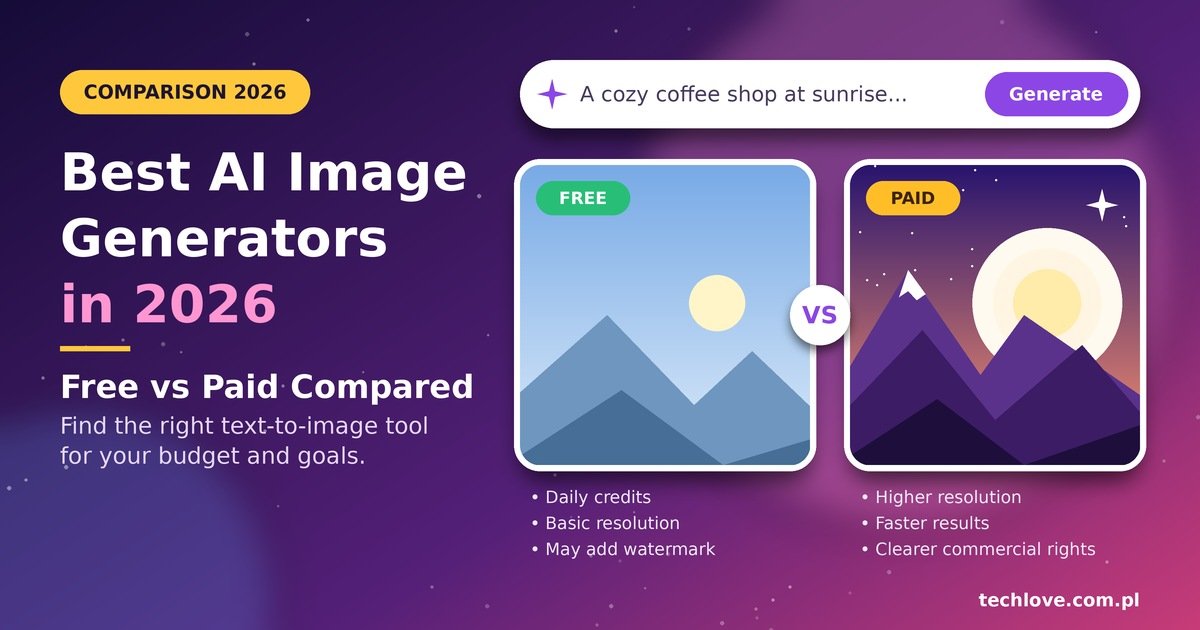
- Higher image quality and resolution
- More credits or unlimited generation modes
- Faster rendering without waiting in queues
- Clearer commercial use terms
- Extra features like upscaling, editing, and style controls
Well-Known Paid Choices
- Midjourney: Famous for artistic, stylish results.
- Adobe Firefly: Designed for creative professionals and works well with Adobe apps.
- Ideogram: Often praised for handling text inside images.
- Premium plans of ChatGPT, Gemini, and Canva, which add more generations and better limits.
Pricing and plan names change frequently, so check each website for up-to-date credits and subscription plans.
AI Image Generator Comparison Table
Here is a simple free vs paid AI image generator comparison to help you decide quickly.
| Feature | Free Tools | Paid Tools |
|---|---|---|
| Cost | $0 | Monthly or yearly plan |
| Image quality and resolution | Good, often limited | High, with upscaling options |
| Daily credits | Limited | Larger or flexible |
| Watermark-free images | Not always | Usually yes |
| Commercial use license | Varies, check terms | Usually clearer |
| Speed | Can be slower | Faster |
| Best for | Learning, hobby projects | Business, clients, regular use |
Pros and Cons: Free vs Paid AI Image Generator
Free tools
- Pros: No risk, great for practice, easy to start
- Cons: Limited credits, possible watermarks, unclear licensing in some cases
Paid tools
- Pros: Better quality, more control, stronger licensing terms, faster results
- Cons: Ongoing cost, a learning curve, and the risk of paying for features you never use
AI Image Generator for Beginners: A Simple Starting Plan
If you want an AI image generator for beginners, do not overthink it. Follow these steps:
- Pick one free tool. Use its free trial or free plan for a week.
- Write a clear idea. Decide the subject, mood, and where you will use the image.
- Generate several versions. Your first result is rarely the best.
- Refine your prompt. Change one detail at a time, such as lighting or style.
- Edit and save. Crop, adjust colors, and export at the right size.
- Upgrade only when needed. Pay when you hit limits or need commercial rights.
Prompt Writing Tips for Better Results
Good image prompts are specific, not complicated. Try these prompt writing tips:
- Describe the subject (what is in the picture).
- Add the style (photo, watercolor, flat illustration).
- Mention lighting and mood (soft morning light, calm, bright).
- Include composition (close-up, wide shot, centered).
- Avoid vague words like “nice” or “cool.”
Weak prompt: “A coffee shop.”
Better prompt: “A cozy neighborhood coffee shop in the morning, warm sunlight through the window, wooden tables, steam rising from a cup, realistic photo style.”
The second prompt gives the AI much more to work with, and the result is usually more useful.
Commercial Use, Watermarks, and Safe Practices
This part is easy to ignore, but it matters. Before using any image for a client, a product, or a monetized blog:
- Read the tool’s commercial use license carefully.
- Check whether your plan gives you watermark-free images.
- Avoid prompts that copy a living artist’s style or a famous brand.
- Be honest if clients ask whether an image is AI-generated.
Policies differ between tools and can change, so verify them on the official website instead of relying on memory or old articles.
Frequently Asked Questions
1. What are the best AI image generators 2026 beginners should try? Start with a chat-based assistant, Canva, or Microsoft Designer. They are simple and have free access.
2. Is there a best free AI image generator 2026 for everyone? Not really. The best one depends on your goal, whether that is blog images, social posts, or art.
3. Are free AI image generators safe to use? Generally yes if you use well-known platforms. Avoid sharing private information in prompts.
4. Can I use free AI images commercially? Sometimes. It depends on the tool’s license, so read the terms before using images for business.
5. Why do some free tools add watermarks? Watermarks encourage upgrades and mark free images. Paid plans often remove them.
6. How do credits and subscription plans work? Credits are units you spend per image or action. Plans give you a set number each month.
7. Do I need design skills to use text to image AI? No. Clear writing is enough, and prompt skills improve quickly with practice.
8. Can AI images rank on Google? Images themselves help when they are useful, well optimized, and paired with helpful, original content.
9. How can I get higher image quality and resolution? Use detailed prompts, choose a quality setting if available, and try built-in upscaling tools.
10. Will an AI art generator replace designers? It will change how designers work, but creativity, taste, and client understanding still matter.