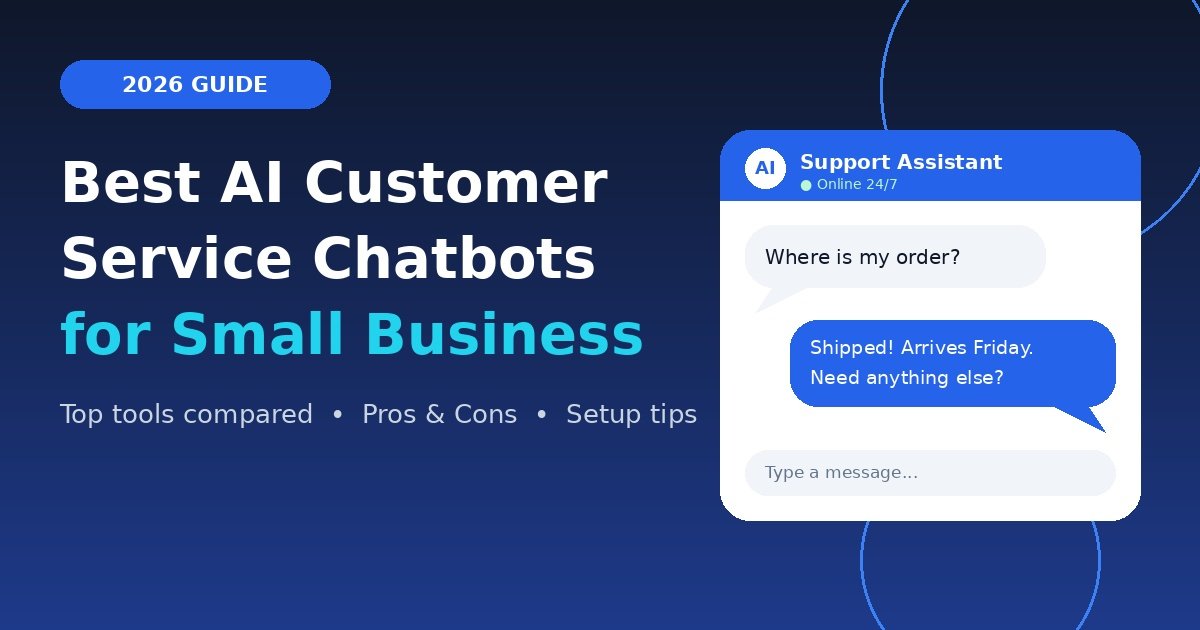
Picture this: it is 11 p.m., a customer wants to know where their order is, and you are fast asleep. A few years ago, that message would sit unanswered until morning. Today, a smart assistant can reply in seconds, check the order status, and even apologize for the delay.
That is the promise behind the best AI customer service chatbots for small business in 2026. They are no longer clunky scripts that say “Sorry, I did not understand.” Thanks to conversational AI and large language models, they sound natural, learn from your content, and know when to hand a chat to a real person.
I have tested and worked with several of these tools over the years, and in this guide I will share what actually matters, which tools are worth a look, and how to set one up without a developer.
What Is an AI Customer Service Chatbot?
An AI customer service chatbot is software that answers customer questions through chat, email, or messaging apps. It uses natural language processing (NLP) to understand what people mean, not just the exact words they type. Many modern tools are also a generative AI chatbot, which means they write fresh answers from your help articles instead of picking from canned replies.
You will also hear the terms AI agent and virtual assistant. In 2026, these usually describe bots that can do more than chat: they can issue a refund, update an address, or book an appointment.
How It Differs From Old-School Bots
- Old bots: follow rigid rules and decision trees.
- AI bots: use machine learning to understand intent, handle typos, and improve over time.
- Today’s AI agents: take actions inside your tools, not just answer questions.
Why Small Businesses Are Adopting AI Chatbots
A small team cannot be online around the clock. An AI chatbot for small business fills that gap without adding payroll.
- 24/7 automated support: customers get answers at any hour, in any time zone.
- Faster replies: first response time drops from hours to seconds.
- Lower costs: the bot handles repeat questions so your team focuses on complex ones.
- More sales: a good bot can recommend products and capture leads.
- Multilingual support: many tools reply in dozens of languages, which helps you reach new markets.
A real-world example: a small online store selling handmade candles used a bot to answer shipping, returns, and scent questions. The owner told me it handled roughly half of incoming chats by itself, which freed up her evenings. Results vary, but this pattern is common.
Top AI Chatbots for Customer Service in 2026
Here are the top AI chatbots for customer service that suit small teams. Features and pricing change quickly, so always confirm on each vendor’s website before buying.
1. Tidio
Tidio is a favorite for beginners. It combines AI live chat for small business with a visual builder and an AI assistant (Lyro) that answers from your FAQs.
- Pros: easy setup, affordable, works well with Shopify and WordPress.
- Cons: advanced reporting is limited on lower plans.
2. Intercom (Fin)
Intercom’s Fin is a powerful AI agent that resolves questions using your help center.
- Pros: strong answer quality, great for growing teams.
- Cons: pricing can climb as conversation volume grows.
3. Zendesk AI
A mature piece of AI helpdesk software with ticketing, automation, and sentiment analysis built in.
- Pros: excellent for multi-channel support, very flexible.
- Cons: can feel complex for a two-person team.
4. Freshdesk (Freddy AI)
Freshdesk offers solid ticketing with AI features at a friendly entry price.
- Pros: good value, clean interface.
- Cons: some AI features require higher plans.
5. HubSpot Chatbot
Ideal if you already use HubSpot CRM, since chats connect directly to contact records.
- Pros: seamless CRM link, helpful for lead capture.
- Cons: best features sit behind paid tiers.
6. Crisp
A lightweight, budget-friendly option with a shared inbox and a no-code chatbot builder.
- Pros: simple, fair pricing, quick to launch.
- Cons: fewer enterprise-level controls.
Quick Comparison Table
| Tool | Best For | Standout Feature | Ease of Use | Starting Point |
|---|---|---|---|---|
| Tidio | Online stores, beginners | Lyro AI + visual builder | Very easy | Free plan available |
| Intercom (Fin) | Growing teams | Autonomous AI agent | Moderate | Paid, usage-based |
| Zendesk AI | Multi-channel support | Ticketing + sentiment analysis | Moderate | Paid |
| Freshdesk (Freddy AI) | Budget-conscious teams | Value-packed helpdesk | Easy | Free tier available |
| HubSpot Chatbot | HubSpot CRM users | CRM-linked chats | Easy | Free tools available |
| Crisp | Tiny teams | No-code builder, shared inbox | Very easy | Free plan available |
Plans and pricing change often. Check each official site for current details.
Key Features to Look For
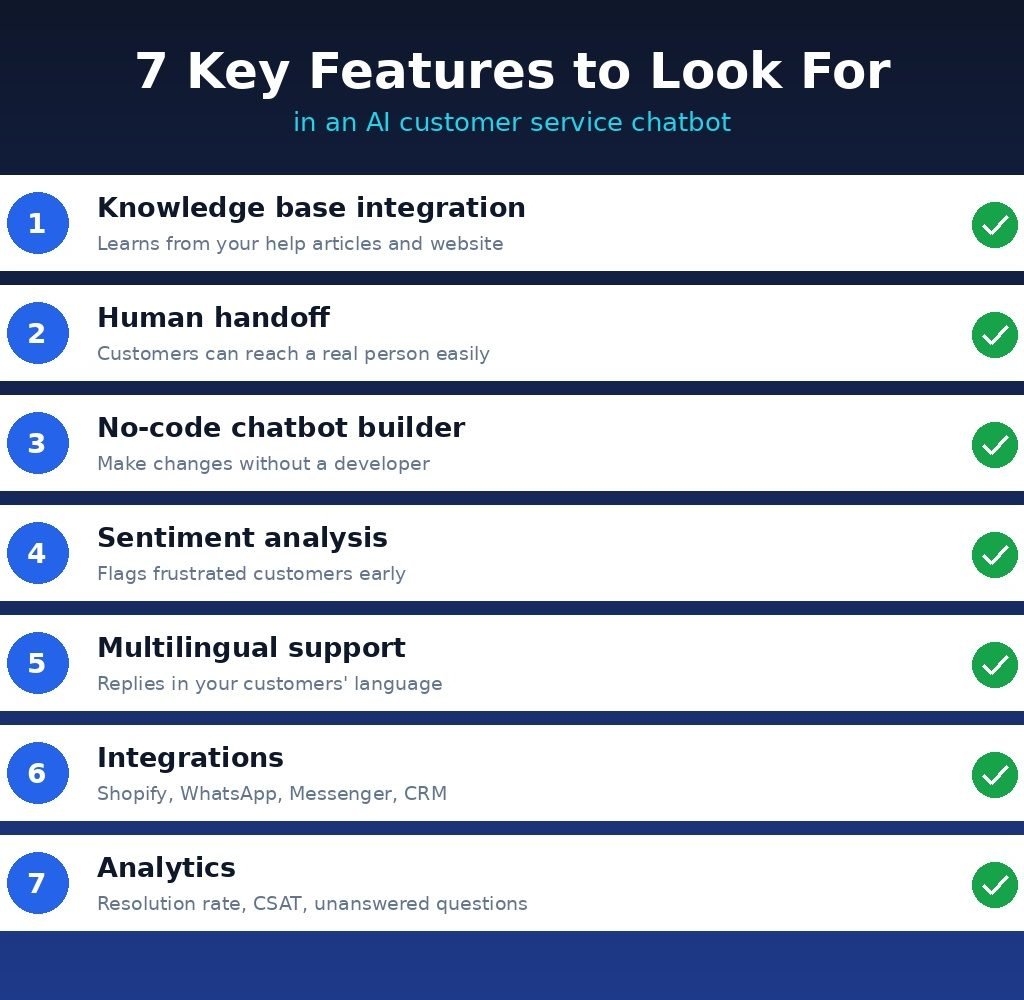
Before choosing customer service chatbot software, check these essentials:
- Knowledge base integration: the bot should learn from your help articles, PDFs, and website pages.
- Human handoff: customers must be able to reach a real person easily.
- No-code chatbot builder: you should not need a developer to make changes.
- Sentiment analysis: it flags frustrated customers so you can step in.
- Multilingual support: helpful if you serve more than one region.
- Integrations: Shopify, WhatsApp, Messenger, email, and your CRM.
- Analytics: resolution rate, CSAT, and the questions the bot could not answer.
How to Set Up Your First Chatbot (Beginner Steps)
- List your top 20 questions. Check your inbox and social messages. Shipping, returns, pricing, and hours usually lead the list.
- Clean up your help content. The bot is only as good as what you feed it. Remove outdated pages.
- Pick one tool and start free. Most vendors offer a trial or free tier.
- Connect your knowledge base. Upload articles or paste your website link.
- Set the tone. Make it sound like your brand, friendly and short.
- Add a human handoff. Include a clear “Talk to a person” button.
- Test with real questions before going live, then review chats weekly.
2026 Trends Every Small Business Should Know
AI Agents Are Replacing Basic Bots
The shift in 2026 is from answering to doing. The best chatbot for customer service 2026 can look up an order, process a return, and update a record without human help.
AI Overviews, GEO, and Zero-Click Searches
Google’s AI Overviews now answer many questions directly on the results page, which means more zero-click searches. Customers may get a quick answer without ever visiting your site. That makes your chatbot even more valuable once they do arrive. It also means you should think about GEO (Generative Engine Optimization): write clear, direct answers that AI systems can easily quote.
E-E-A-T and Human-Written Content
AI tools learn from your content, so quality in means quality out. Search engines reward real experience, expertise, authoritativeness, and trust (E-E-A-T). Have a real person write and review your help articles, add author names, and share genuine examples. Human-written content builds trust and gives your chatbot accurate material to work with.
User Experience (UX) Comes First
A bot that blocks customers from reaching a human damages trust fast. Keep the widget simple, load it quickly on mobile, and always offer an exit to a real agent. When you add an AI chatbot for website pages, make sure it does not cover important buttons or slow the page down.
Pros and Cons of AI Chatbots for Small Business
Pros
- Always available, even on holidays
- Quick answers improve customer satisfaction
- Lower support costs as you grow
- Consistent replies and tone
- Useful data about what customers really ask
Cons
- Can give wrong answers if your content is outdated
- May frustrate customers with emotional or complex issues
- Setup and monthly review take some effort
- Pricing may increase with usage
- Privacy and data rules need attention
Common Mistakes to Avoid
- Launching without testing
- Hiding the human option
- Feeding the bot messy or outdated content
- Ignoring the chat logs after launch
- Promising “human” support when it is a bot (always be transparent)
Frequently Asked Questions (FAQs)
1. What is the best AI chatbot for small business customer service?
Tidio and Crisp suit beginners, Freshdesk offers good value, and Intercom or Zendesk fit growing teams. The best choice depends on your budget, channels, and team size.
2. How much does an AI chatbot for small business cost?
Many tools offer free plans, with paid plans usually starting at a modest monthly fee. Some charge per resolved conversation, so check the pricing model carefully.
3. Do I need coding skills to use a chatbot?
No. Most modern tools include a no-code chatbot builder with drag-and-drop editing.
4. Can an AI chatbot fully replace human support?
Not completely. Bots handle repetitive questions well, but people are still needed for sensitive, complex, or emotional situations.
5. Is a chatbot good for ecommerce stores?
Yes. Order tracking, returns, and product questions are ideal tasks, and many tools integrate with Shopify and WooCommerce.
6. How long does setup take?
A basic bot can go live in an afternoon. Fine-tuning and testing may take a week or two.
7. Can chatbots speak multiple languages?
Many can. Multilingual support is common in 2026, though you should test replies in each language for accuracy.
8. Are AI chatbots safe for customer data?
Reputable vendors follow security and privacy standards, but you should review their policies and comply with laws that apply to your region.
9. What is the difference between a chatbot and AI live chat?
Live chat connects customers to human agents. A chatbot replies automatically. Many tools combine both so the bot answers first and a person steps in when needed.
10. How do I know if my chatbot is working?
Track resolution rate, first response time, customer satisfaction (CSAT), and handoff rate. Read a sample of chats every week.