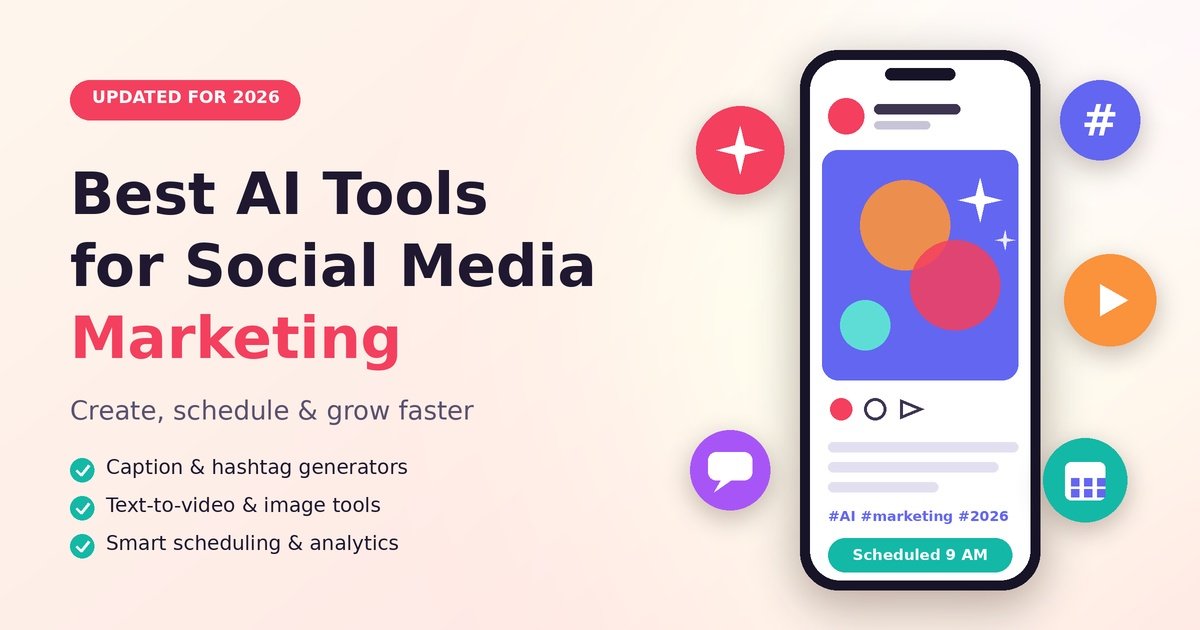
If you have ever stared at a blank screen at 9 p.m. wondering what to post tomorrow, you are not alone. Social media never sleeps, and keeping up with it can feel like a full-time job. The good news? The best AI tools for social media marketing now handle the boring parts, like first-draft captions, posting times and video clips, so you can focus on ideas and real conversations.
In this guide, I will walk you through the tools worth your time in 2026, how to pick the right one, and how to use AI without losing the human touch that your audience (and Google) actually wants.
Why AI Tools Matter for Social Media in 2026
Search and social are changing fast. Here is what is shaping the way we market online:
- AI Overviews and zero-click searches: Google now answers many questions right on the results page, so fewer people click through. Your social profiles, short videos and brand name often become the place people actually discover you.
- GEO (Generative Engine Optimization): AI engines like ChatGPT and Gemini pull answers from clear, trustworthy and well-structured content. Consistent posting and clear brand mentions help you show up.
- E-E-A-T: Experience, Expertise, Authoritativeness and Trust matter more than ever. Real stories, original photos and honest opinions beat generic AI text.
- User experience (UX): Fast, clean and mobile-friendly content wins. The same goes for your link-in-bio pages and landing pages.
- Human-written content: Audiences can spot copy-paste AI from a mile away. Use AI as an assistant, not a replacement.
What to Look for in the Best AI Social Media Marketing Software
Before paying for anything, check these six points:
- Ease of use: Can a beginner set it up in under an hour?
- Platform support: Does it cover Instagram, Facebook, LinkedIn, TikTok, X and YouTube Shorts?
- Content quality: Does the AI sound like you, or like a robot?
- Analytics: Look for best-time-to-post suggestions and simple, readable reports.
- Pricing: Many tools offer a free plan, so start there.
- Team features: Approvals and shared calendars matter if you work with others.
Best AI Tools for Social Media Marketing by Category
AI Social Media Scheduling Tools
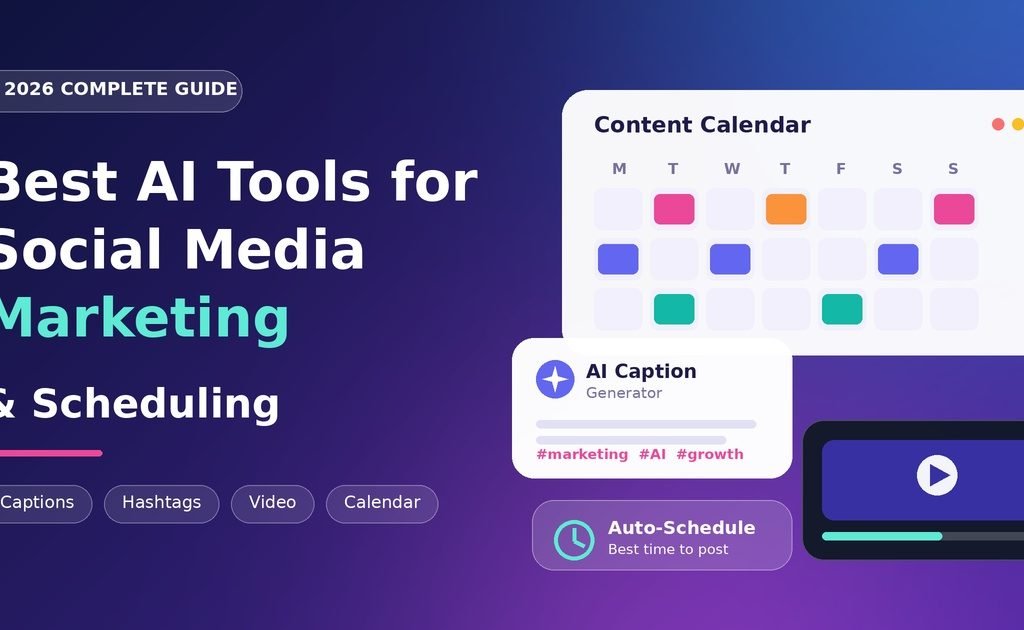
Scheduling is where you save the most time. These are some of the best social media scheduling tools 2026 has to offer, each for a different need:
- Buffer: Clean and beginner-friendly, with an AI assistant for rewriting posts and generating ideas.
- Publer: Great for bulk scheduling and managing several accounts at a fair price.
- Metricool: Combines scheduling, analytics and a handy content calendar in one dashboard.
- Later: A strong visual planner, popular with Instagram and TikTok creators.
- Hootsuite: A solid pick for larger teams that need approvals and detailed reporting.
AI Caption Generator and AI Social Media Post Generator
A blank caption box is the worst. An AI caption generator gives you a rough draft in seconds, and you simply polish it.
- FeedHive: Suggests content ideas and helps predict which posts may perform well.
- Predis.ai: An AI social media post generator that turns a short prompt into a finished post with caption and design.
- ChatGPT: Flexible for brainstorming hooks, rewriting in your tone and planning a month of ideas.
AI Hashtag Generator
Hashtags are not magic, but they still help platforms understand your topic. A good AI hashtag generator suggests a mix of broad, niche and branded tags. Many scheduling tools, such as Later and Metricool, include one. Use a handful of relevant tags instead of 30 random ones.
AI Image Generator and AI Video Editor
Visuals decide whether someone stops scrolling.
- Canva: Its AI image generator and design tools help you build graphics, carousels and presentations fast.
- CapCut: A popular AI video editor with auto-captions, templates and effects for Reels and TikTok.
- Text-to-video tools: Platforms like Runway and Pictory can turn a script or blog post into short clips. They are great for quick explainers, but always review the result before posting.
Repurpose Content Without Extra Work
You do not need a brand-new idea every day. You need to repurpose content smartly. Tools like Opus Clip cut long videos into short clips, and you can turn one blog post into a LinkedIn post, an Instagram carousel and a few short updates. One idea, five posts.
Quick Comparison Table
| Tool | Best For | Key AI Feature | Free Option |
|---|---|---|---|
| Buffer | Beginners | AI writing assistant | Yes |
| Publer | Bulk scheduling | AI content help | Yes |
| Metricool | Planning + analytics | Hashtag and timing tips | Yes |
| FeedHive | Content ideas | Performance prediction | Trial |
| Predis.ai | Fast post creation | Text-to-post and design | Yes |
| Canva | Visuals | AI image generator | Yes |
| CapCut | Short videos | Auto-captions | Yes |
Plans and features change often, so confirm details on each tool’s website before you buy.
Pros and Cons of Using AI for Social Media
Pros
- Saves hours every single week
- Beats writer’s block with quick drafts
- Keeps your content calendar full and consistent
- Many free AI tools for social media marketing are available
- Helps small teams compete with bigger brands
Cons
- Output can sound generic if you never edit it
- AI can get facts wrong
- Over-relying on it can hurt authenticity and trust
- Costs can rise as you add accounts and team members
- Audiences tend to ignore posts that feel mass-produced
How to Get Started: A Beginner-Friendly Plan
You do not need ten tools. Follow these steps:
- Pick one goal. Brand awareness, leads or community? Choose one.
- Choose one scheduler. Start with a free plan from the list above.
- Build a simple content calendar. Pick three content themes, such as tips, behind-the-scenes and customer stories.
- Generate drafts with AI. Use your AI social media content creator of choice for first drafts only.
- Edit like a human. Add your own story, opinion or result.
- Schedule a week at a time, then review analytics monthly. Double down on what works.
Practical Tips for 2026
- Add real experience. Your own photos, screenshots and results are E-E-A-T in action. For example, a local bakery can use AI for a caption draft, then add the baker’s story behind the recipe. AI writes the draft; the human adds the soul.
- Write for answers. Short, clear Q&A style posts and a well-written bio help AI engines understand who you are, which supports GEO.
- Make posts valuable on their own. In a zero-click world, do not rely on people leaving the platform. Give the useful part right in the post.
- Think about UX. Use readable captions, add subtitles to videos and keep landing pages fast.
- Fact-check everything. Names, numbers and claims should always be verified.
Frequently Asked Questions
1. What are the best AI tools for social media marketing? Buffer, Publer, Metricool, Canva, CapCut and Predis.ai are popular choices. The best one depends on your budget, platforms and team size.
2. Are there free AI tools for social media marketing? Yes. Canva, CapCut, Buffer and Publer all have free options, though limits apply. Start free and upgrade only when you need more.
3. Will AI replace social media managers? Unlikely. AI handles repetitive tasks, but strategy, creativity and community building still need people. Think of it as a helpful assistant.
4. What are the best AI tools for social media managers? Metricool, Hootsuite and Buffer work well for managing multiple accounts, reporting and approvals in one place.
5. Can an AI caption generator hurt my reach? Not by itself. Generic, unedited captions can hurt engagement, so always add your voice and personal details.
6. How do social media automation tools work? They publish your posts at set times, suggest the best posting windows and often pull analytics into one dashboard.
7. Is AI-generated content bad for E-E-A-T? Not if you edit it. Add real experience, accurate facts and your own perspective so the content shows genuine expertise.
8. How do I repurpose content with AI? Start with one long piece, like a video or blog post. Use AI to create clips, quotes, carousels and short captions from it.
9. Do I need an AI hashtag generator? It is helpful but not essential. It saves research time, but you should still pick tags that truly match your topic.
10. How does GEO affect social media marketing? AI engines use clear, consistent and trustworthy information about your brand. Active profiles, helpful posts and clear bios improve your chances of being mentioned.